




Hojnar · Free-to-play · 2D fantasy MMORPG
Hojnar — Custom Tibia OT Server
Make Hojnar your next Tibia OT adventure. Hunt monsters, work towards powerful equipment and challenge bosses solo or with friends. In-game Hunting Spots and supported autowalk routes help you explore, while anti-dominando PvP gives independent players ways to fight back.
New to this kind of game?
See how your adventure begins.
Recent updates & events
- Latest updateTwo legends. Three places remain.
Five places await Hojnar’s legends between the depot and temple in Thais. Two have claimed theirs.
- Account goldShared Account Gold
One gold bank balance for all characters on the same account.
- EventsEvent Schedule
Check the calendar for event dates and bonus details.
Discover Hojnar · Server Information · Wiki · Patch Notes
Between the depot and temple in Thais, five places await Hojnar’s legends.
Two have claimed theirs. Three unknown gods have yet to reveal themselves: the first Sorcerer, Paladin and Druid to reach level 1000.
Will you stand beside them?
One spot per account.
Choose Auto Hunt, Auto Boss or Auto Heal in the built-in bot. Presets select spells and supplies for your vocation and level, with automatic Wheel of Destiny setups for hunting and bosses.

Open Hunting Spots, select your destination and click Auto Supply. Your character travels to Benjamin and restocks the supplies selected for your vocation and level.
Supplies come from your stash first; only shortages are purchased. Hunting Spots stays open on your selected destination when finished.

Buy equipment and trade items with Benjamin in every city. Check requirements and prices in his shop.
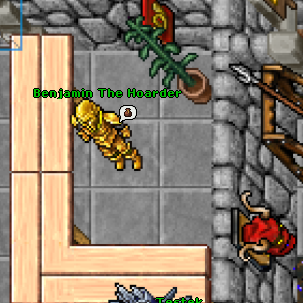
Walk to supported hunting spots, bosses, traders and travel destinations using the client’s route controls.
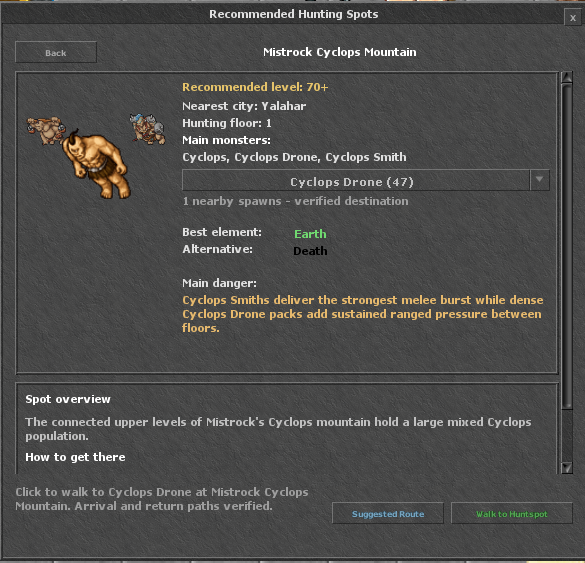
Configure healing, potions, attack spells and runes in the client. Only Hojnar’s built-in bot is allowed; external bots are prohibited.
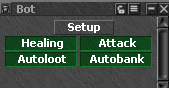
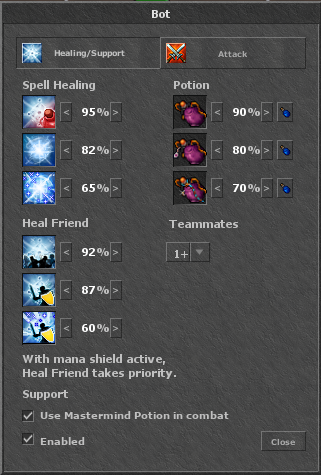
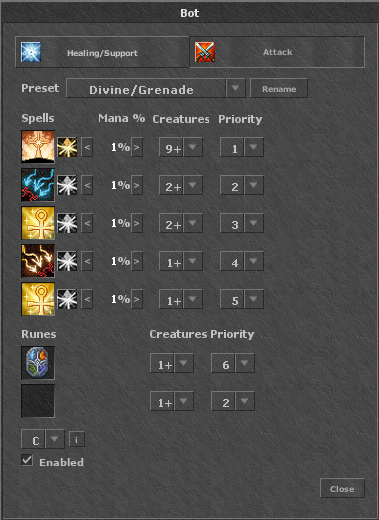
Only Hojnar’s built-in bot is allowed. External bots and third-party gameplay automation are prohibited. Read the bot and automation rules →
Skulled players take more PvP damage. Marked PvP combat reduces healing and mana recovery. These rules are designed to help players fight back against larger groups.

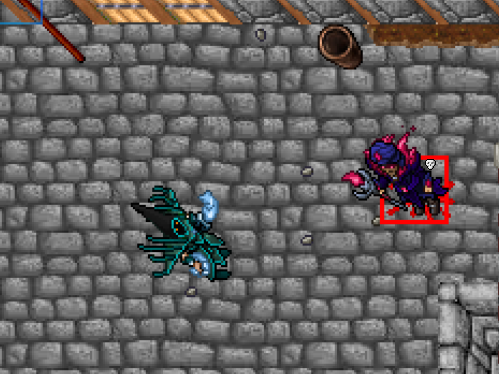
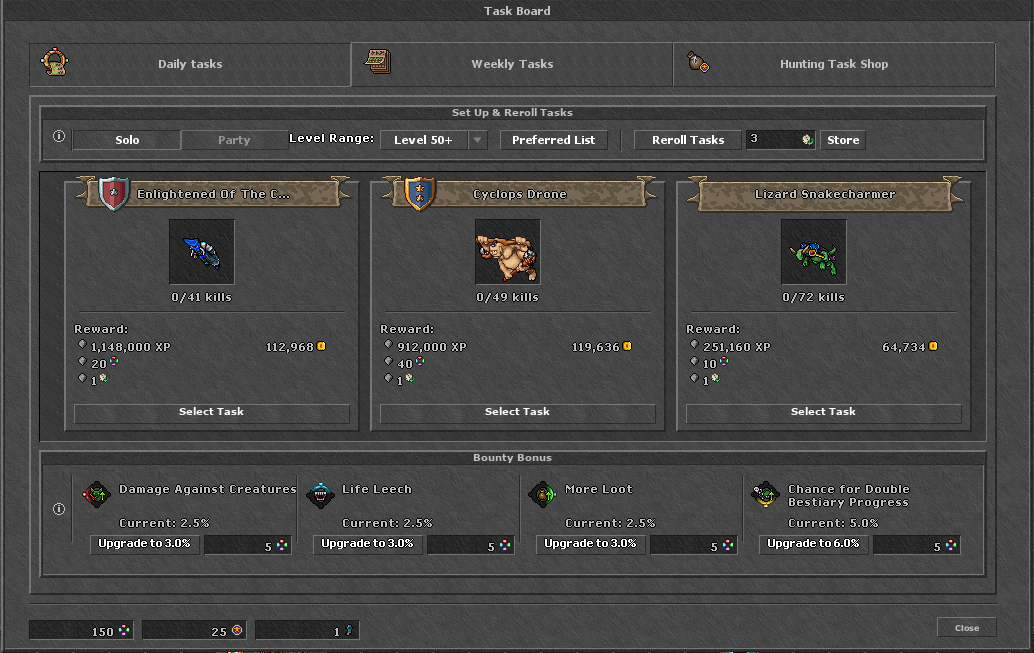
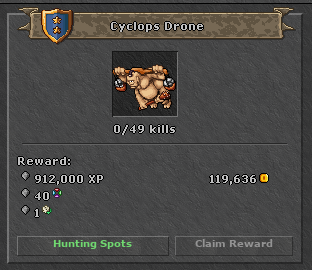
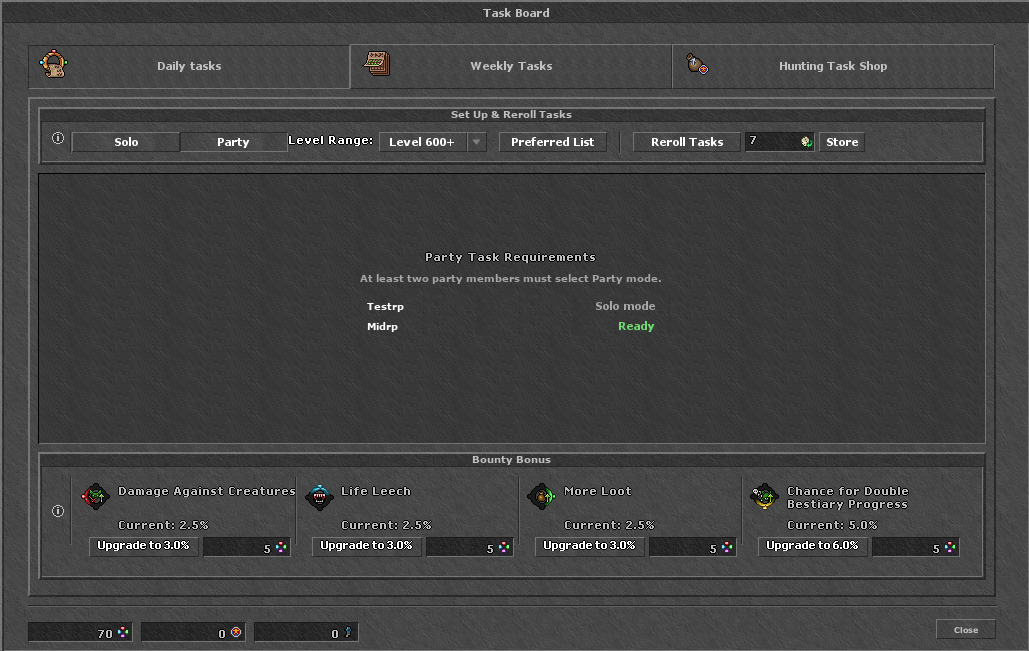
Complete daily and weekly tasks for rewards. Choose preferred monsters, reroll tasks and use Party Tasks with your group.
All characters on the same account share one gold bank balance. Existing character bank balances have been combined automatically.
Physical coins stay in each character’s inventory. Store coins, other currencies and separate accounts are unchanged.

Progress through earlier, intermediate and endgame equipment. Compare item requirements and benefits before choosing upgrades.
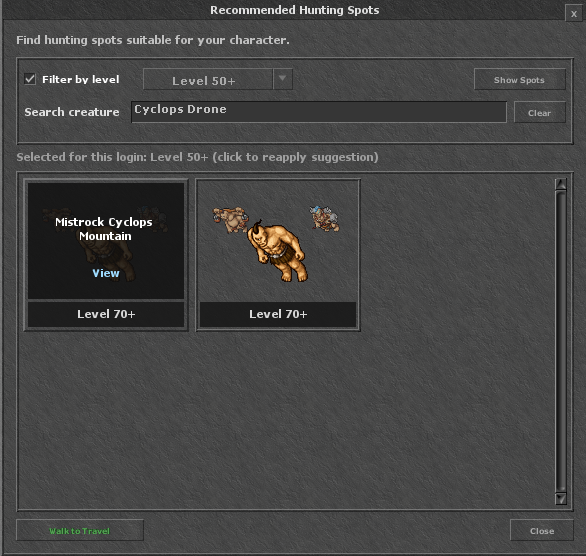
Find hunting areas by level or monster. View monster information, recommended elements, dangers and travel guidance.
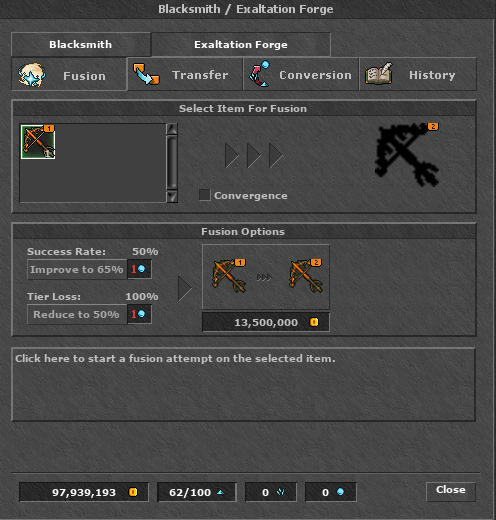
Upgrade equipment tiers with gold at the Exaltation Forge. A second identical item is not required.
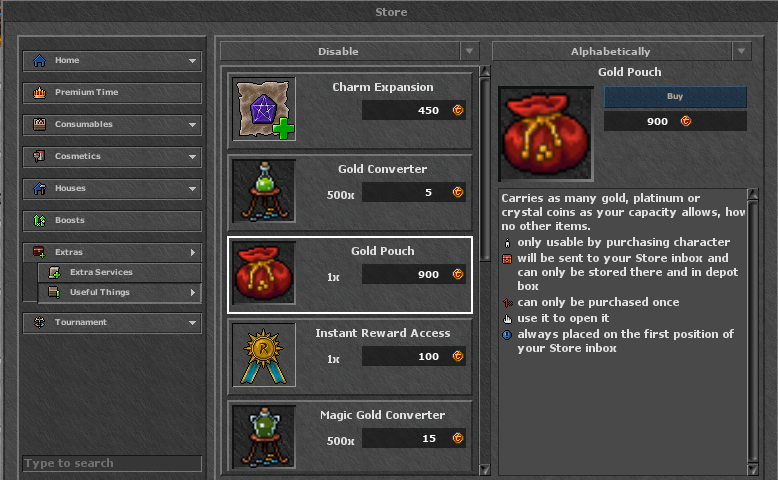
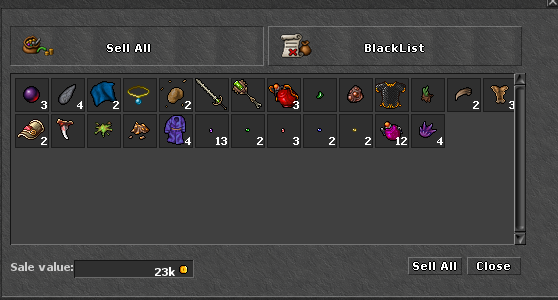
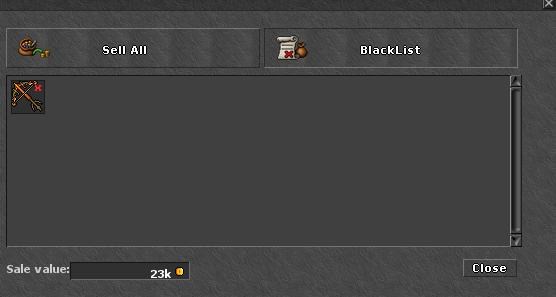
Enable Autoloot and Autobank for your Gold Pouch. Review eligible loot in Benjamin’s Sell All panel and protect items with your blacklist.
Hunt together with party experience bonuses and shared task objectives.
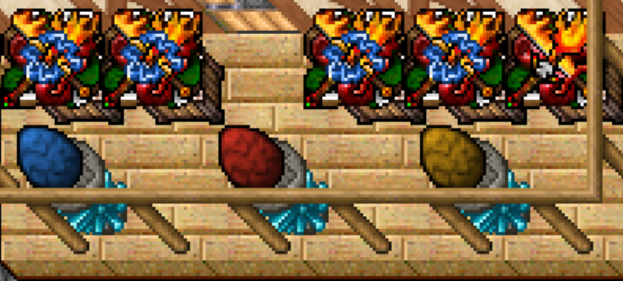
Find loot eggs while hunting and check Benjamin’s trading options for their rewards.
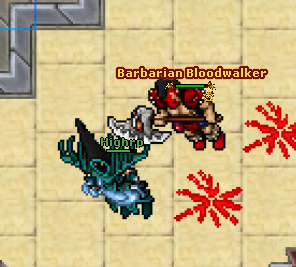
Locate fiendish monsters using Find Fiend. Fiendish monsters have improved drops.
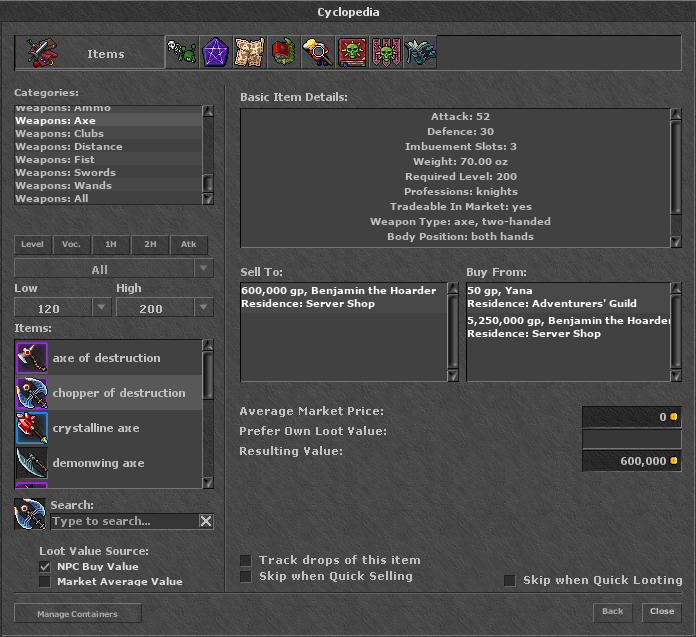
Filter equipment in the Cyclopedia by level, vocation and weapon type.
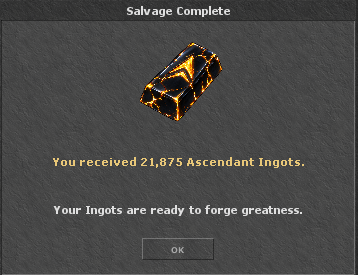
Salvage equipment into Ascendant Ingots and use them to craft equipment.
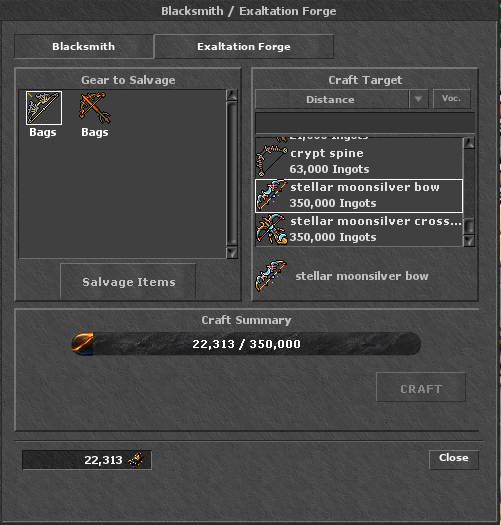
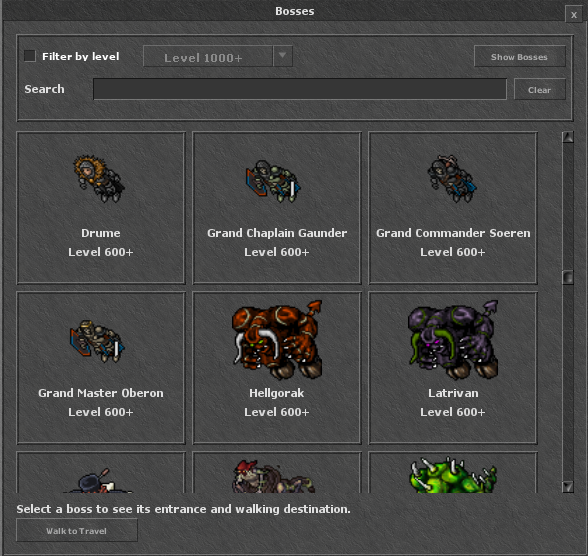
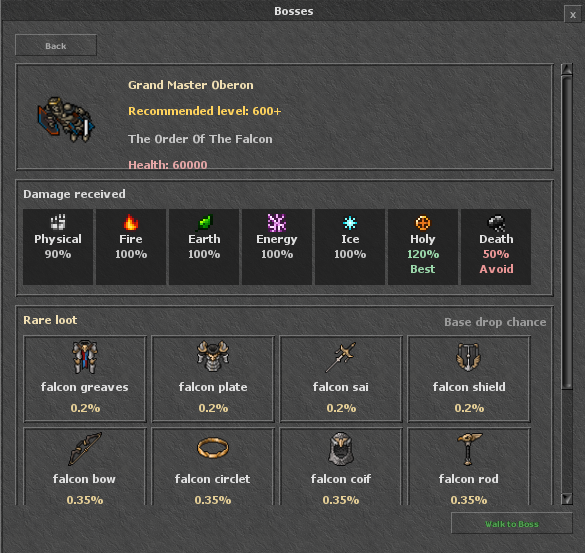
Browse bosses, damage weaknesses and rare loot. Start Autowalk to supported boss destinations.
Use an exercise weapon at a supported dummy, then switch to another character with Ctrl + G. Keep the client open while playing your alt.
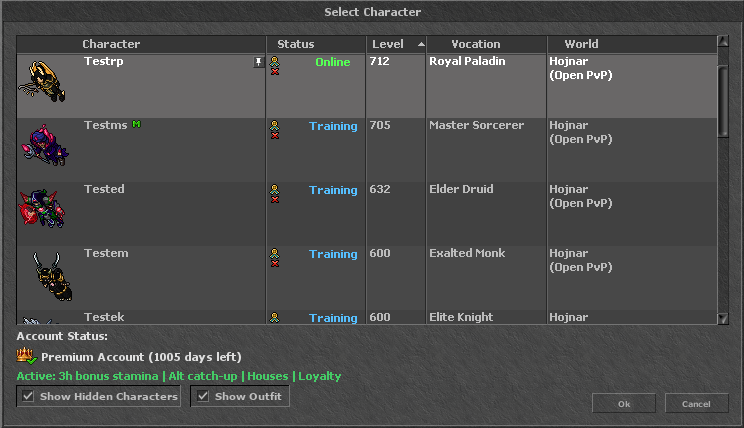
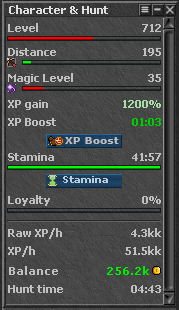
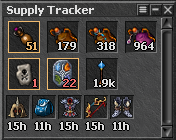
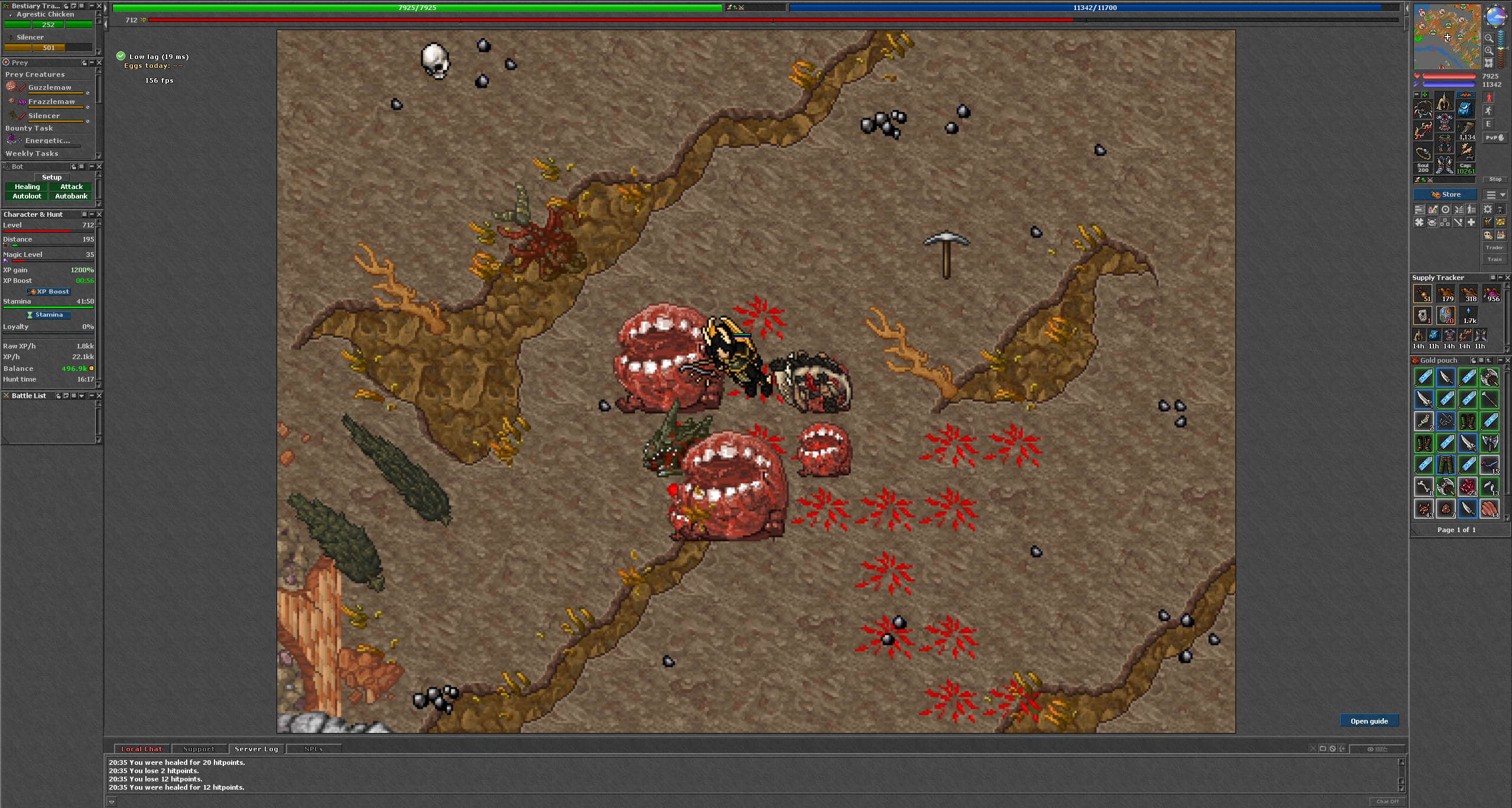
Use the simplified interface and arrange character, hunting and supply windows in client settings.
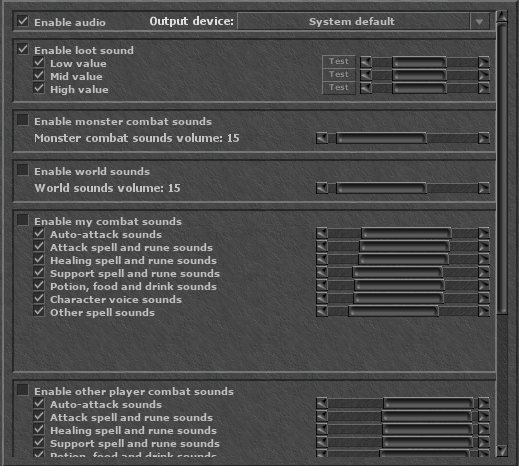
Choose your audio output and adjust loot, combat and world sounds separately.
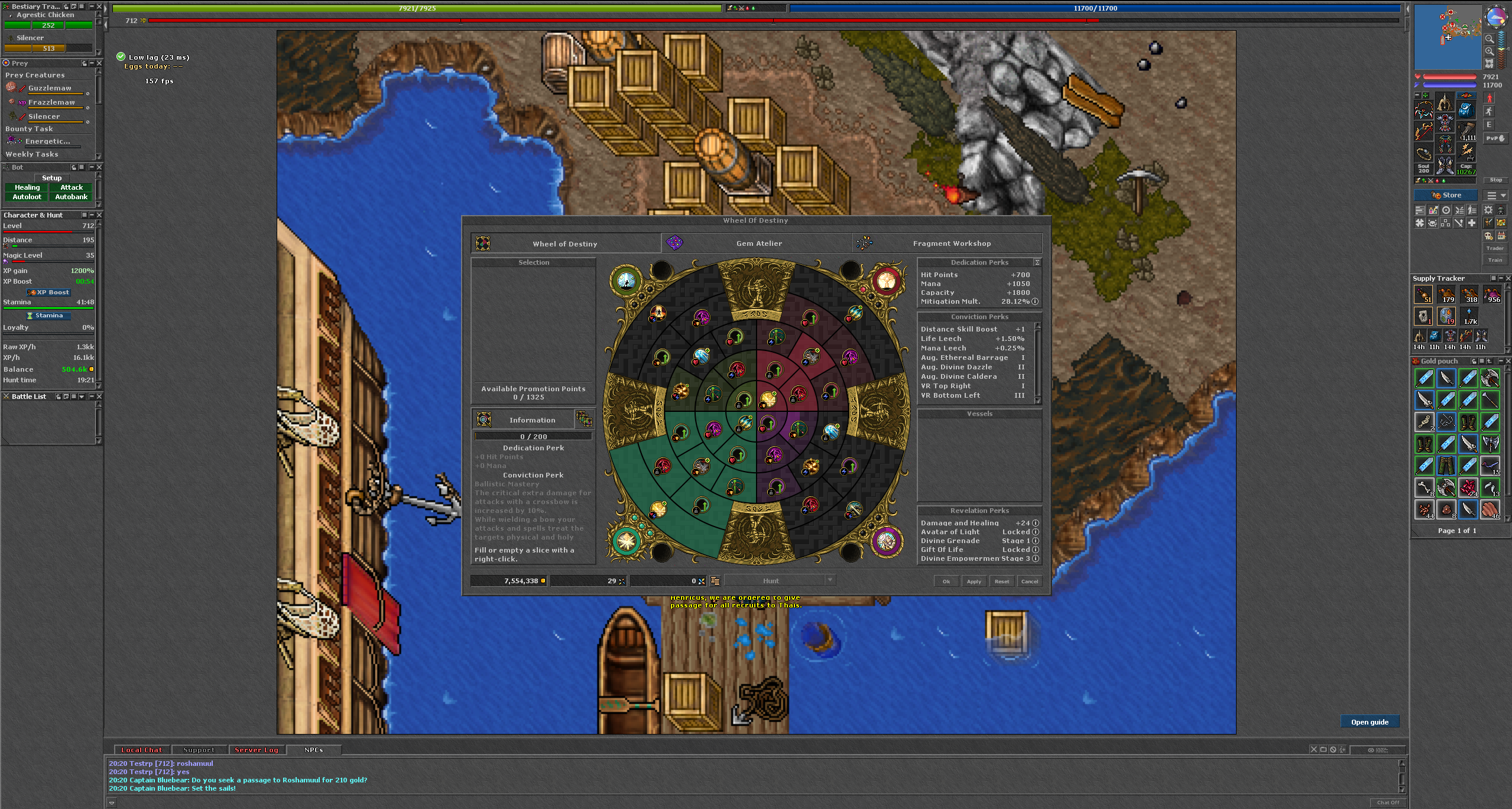
Characters receive double Wheel of Destiny points per level. Allocate points and apply your selection in the client.
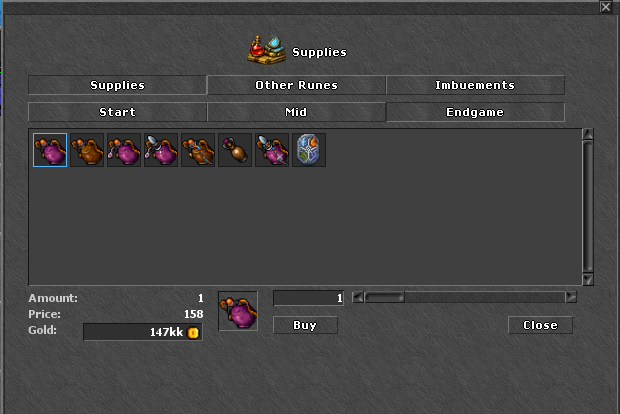
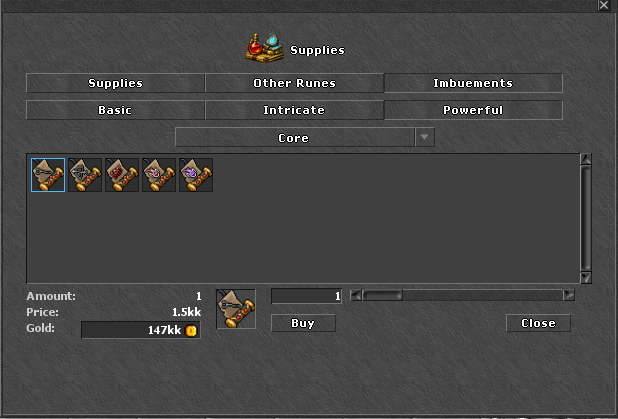
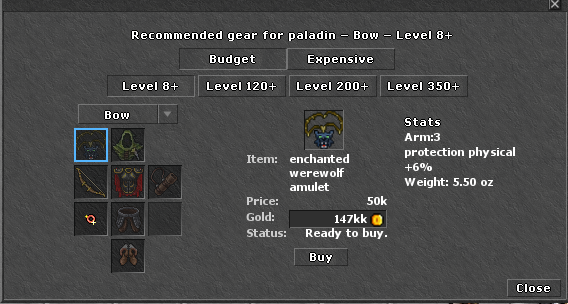
Use Benjamin’s shopping options to find supplies, ammunition, imbuement materials and recommended equipment.

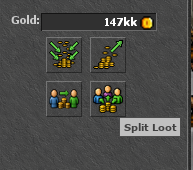
Same-vocation parties receive the same shared-experience bonus as mixed parties. Use Split Loot to share loot with your group.
The prize starts at 20 million gold, plus all player contributions. Enter through the Jackpot button or visit Jackpot Host in Thais depot. Minimum contribution: 1 million gold.
Your share of the contributed gold determines your winning chance. One winner receives the entire prize in their account bank.
Entry period: 23 October 2026 at 20:12 until Sunday, 25 October 2026 at 20:00 Sweden time.

Hunting Spots now shows the top raw XP per hour and gold profit per hour for each spot, grouped by vocation, level range and solo or party play.
Records are tracked automatically while you hunt—no manual recording is needed. Open a spot’s details to see the leading player or party and their character information. Gold profit is loot value minus supplies.

Updates & Patch Notes
Looking for what's changed? Read the patch notes →
Level: 1020 / Elite Knight
Level: 1011 / Exalted Monk
Level: 868 / Royal Paladin
Level: 728 / Royal Paladin
Level: 639 / Royal Paladin